Koi Pixiv Extension
About Koi Pixiv Extension
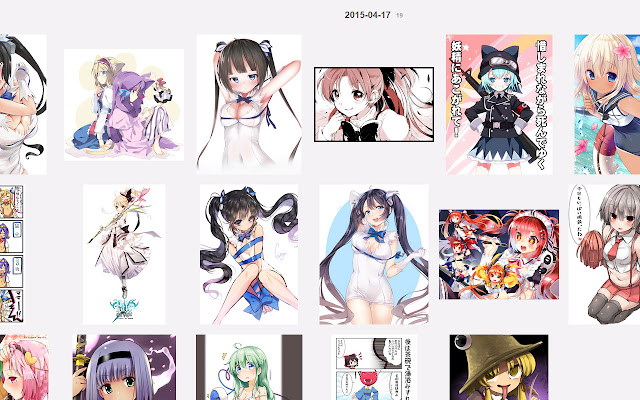
Improves Pixiv browsing with useful Pixiv History tools.
- Allows full use of Pixiv History slots
- Image Downloading: Download full size images just by clicking on the enlarged image.
- Manga View: Gives a full preview of all the images in a multi-image pixiv submission with the ability to download images separately or all at once.
Update History
v1.3.3
Fixed parsing bugs preventing downloads.
Fixed bug adding '「' into filenames.
v1.3.1
BUG FIX:
- Fixed a filename bug where an image would refuse to download if it had any characters in its title that are not allowed to be used in filenames.
v1.3
NEW FEATURE: Image downloads can now be sent to a specified folder within your downloads folder. Just click the Extension icon in the top right and you'll be able to set the name of the Folder. (If the folder doesn't already exist, it'll create it). Your downloads will download to the folder as long as it is enabled.
BUG FIXES:
- Fixed a filename bug when an image title had '」' or '「' in the name.
v1.2.6
Fixed a bug caused by pixiv changing hosting urls. App now requires permission for https pixiv pages.
v1.2.5
Updated for changes in pixiv's html
v1.2.4
Fixed bug in Manga View preventing enlarged images from appearing.
v1.2.3
Fixed a bug that preventing Manga-View mode from functioning properly if you click on another submission before it loads.
v1.2.2
Bugfix
v1.2.1
You can now view the full listing of Multi-image/Manga Pixiv submissions!
For all manga works, clicking on the enlarged image causes changes the Related Works list into a list of all images in the manga.
Clicking on the enlarged image downloads that image rather than all of them.
A "Download All" link is included to maintain the former functionality.
The "Go Back" link returns you to the Related Works list.
v1.1.2
Fixed a bug that caused images with a '.' in the filename to lose its file extension.
v1.1.1
Fixed a bug that prevented downloading more than the first 11 pages in a manga.
v1.1
You can now download images. Just click on the enlarged image of what you're viewing and it downloads automatically.
v1.0.1
Linux Compatibility!
V1
Unlocks all slots in your Pixiv History page.
Why Download Koi Pixiv Extension?
- ✅ Trusted by 518+ users worldwide
- ✅ High Rating: /5 stars from reviews
- ✅ Latest Version: 1.3.3 - Always up to date
- ✅ Safe & Secure: Verified by Chrome Web Store
- ✅ Free to Use: No cost required
Extension Details
Discover Koi Pixiv Extension - The Best Chrome Extension for Your Browser
Looking for the perfect Chrome extension to enhance your browsing experience? Koi Pixiv Extension is one of the most popular and highly-rated extensions available on the Chrome Web Store, trusted by over 518 users worldwide.
With an impressive -star rating based on authentic user reviews, Koi Pixiv Extension has proven its value and reliability to the Chrome community. This extension is perfect for users who want to improve their productivity, enhance their browsing security, or simply add useful functionality to their Chrome browser.
Download Koi Pixiv Extension today and join thousands of satisfied users who have already discovered the benefits of this powerful Chrome extension. Installation is quick and easy - simply click the download button above to be redirected to the official Chrome Web Store where you can safely install this extension in just a few clicks.
Similar extensions